

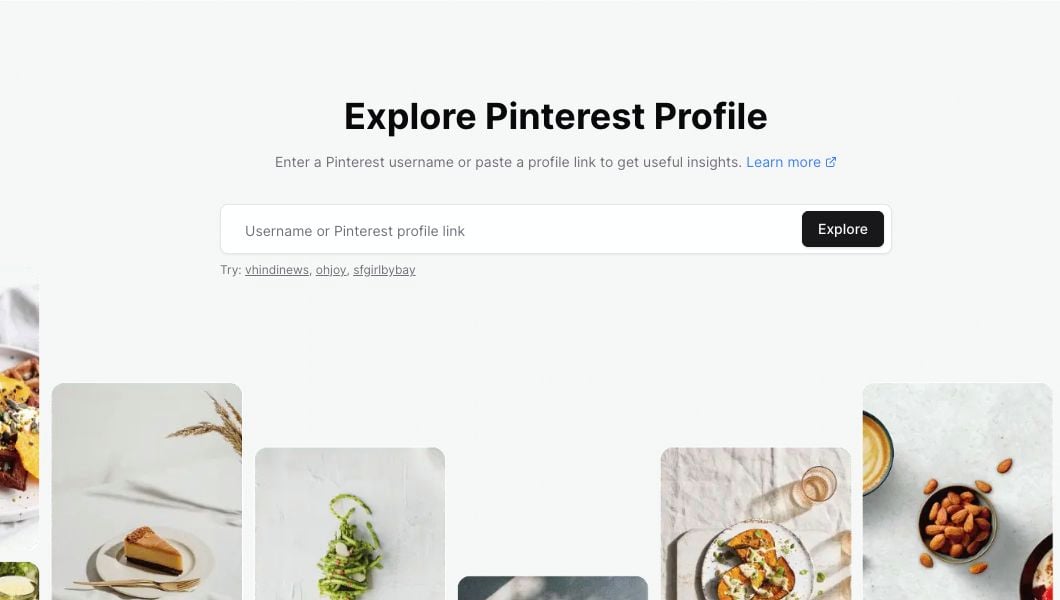
Profile Explorer accepts a Pinterest username or a full profile link.
What you can enter
You can search with any of these formats:- A username:
ohjoy - A username with
@:@ohjoy - A full Pinterest profile URL copied from your browser
Search for a profile
1
Open Profile Explorer
Go to Profile Explorer.
2
Enter the username or profile link
Click the search field and enter the profile you want to research.
3
Click Explore
Click Explore to open the profile report.
If the profile link is not accepted
Profile Explorer is for Pinterest profile pages. If your input is not accepted, check for these common issues:- The URL is for a pin, board, search page, or website instead of a profile.
- The username has extra spaces or punctuation.
- The username is too short.
- The pasted text includes words before or after the URL.
If the profile is not found
Sometimes the search is valid, but the account cannot be found.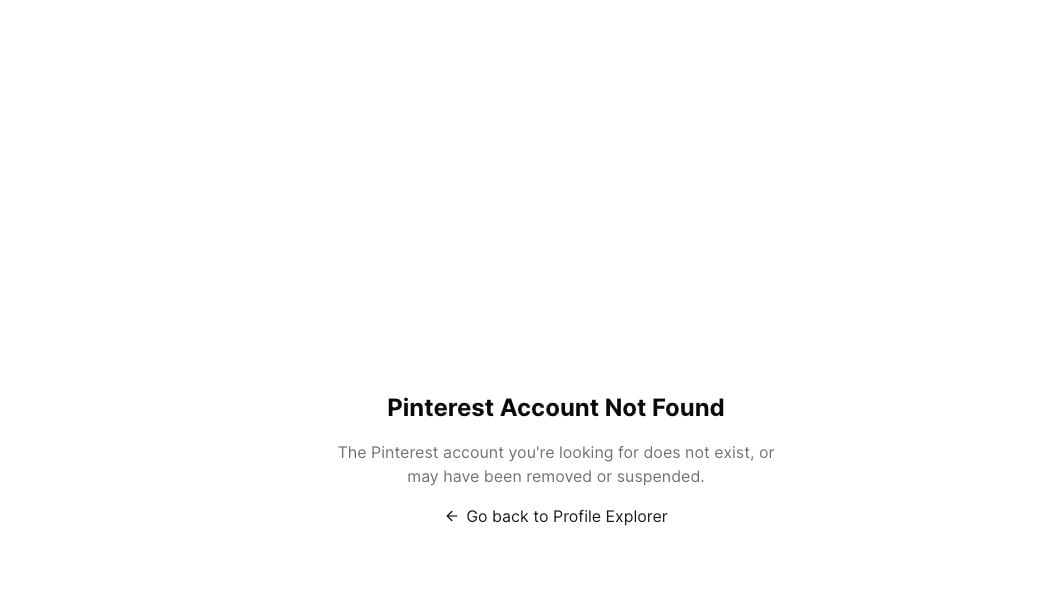
If the account cannot be found, return to Profile Explorer and try a different username or profile URL.
- The username is misspelled.
- The profile was removed or suspended.
- The profile changed usernames.
- The profile is not available to read right now.
What opens after a successful search
When the profile loads, Pinsearch shows:- The profile header and high-level metrics.
- Recent activity and engagement cards.
- Recent boards, topics, and colors.
- Top performing recent pins.
- The Add to Project button for saving the profile.