

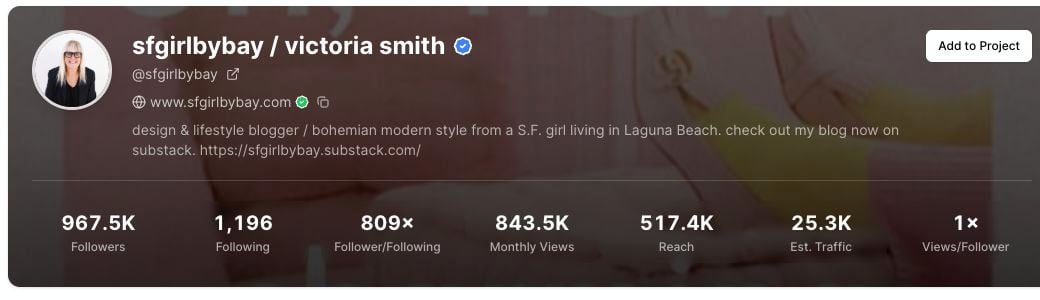
When a profile has a connected domain, it appears under the username in the profile header.
Where the domain appears
When available, the domain appears near the top of the profile report, under the username and profile link. The domain row may include:- The website domain.
- A verification marker when the Pinterest profile shows a verified domain.
- A copy icon.
Copy the domain
1
Open a profile report
Search for the Pinterest profile in Profile Explorer.
2
Find the domain row
Look under the username in the profile header.
3
Click the copy icon
Click the copy icon beside the domain.
How to use domain information
Domain information is helpful when you want to understand the business or website behind a Pinterest profile. You can use it to:- Visit the competitor’s website.
- Compare their Pinterest content with their blog or shop.
- Save the domain in a research note.
- Group profiles by brand, blog, or business.
- Check whether strong pins are sending people to the same website.
Verified domains
A verified domain marker means the domain is connected to the Pinterest profile. Use this as a helpful trust signal when you are matching a Pinterest account to a website. It does not mean Pinsearch owns, controls, or endorses that website.If copying does not work
If the copy action does not work:- Try clicking the copy icon again.
- Check whether your browser blocked clipboard access.
- Select and copy the domain manually if needed.