

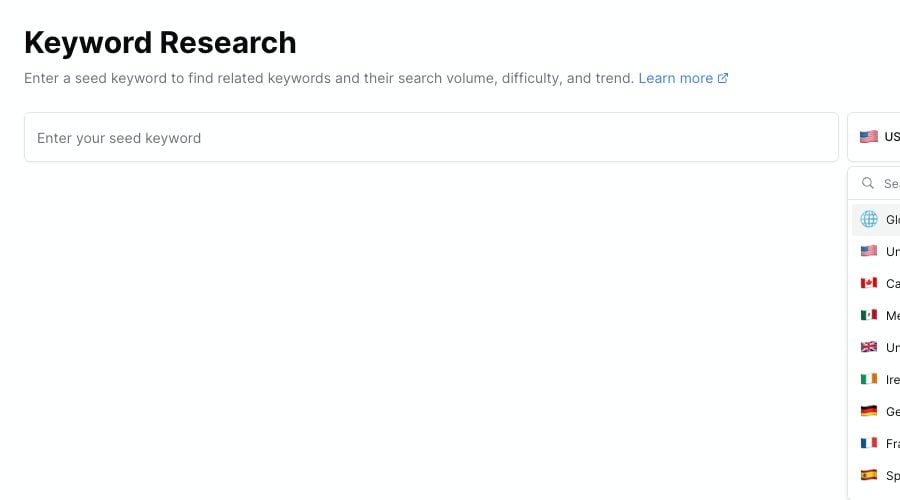
Choose the market you want to research before running the keyword search.
When to change the country
Change the country when:- Most of your audience is in one country
- You write for a local market
- You manage Pinterest content for clients in different countries
- You want to compare how a topic behaves across markets
- A US home decor blogger may use US.
- A UK food blogger may use GB.
- A creator writing for a broad audience may test Global and then compare it with their main country.
Search by country
1
Open Keyword Finder
Open Keyword Finder from the Research section.
2
Open the country selector
Click the country button beside the keyword box.
3
Choose a country
Search for a country or choose one from the list.
4
Run the search
Enter your seed keyword and click Search.
How country affects results
Country selection can affect:- Related keyword ideas
- Estimated volume
- Difficulty and trend context
- The Pinterest market Pinsearch uses for research
Compare two countries
To compare markets:- Search the same seed keyword in your first country.
- Save or export the best ideas.
- Change the country.
- Run the same search again.
- Compare estimated volume, difficulty, and keyword phrasing.