> ## Documentation Index
> Fetch the complete documentation index at: https://docs.pinsearch.co/llms.txt
> Use this file to discover all available pages before exploring further.
# Search for a Pinterest profile
> Find a Pinterest profile by username or profile URL.
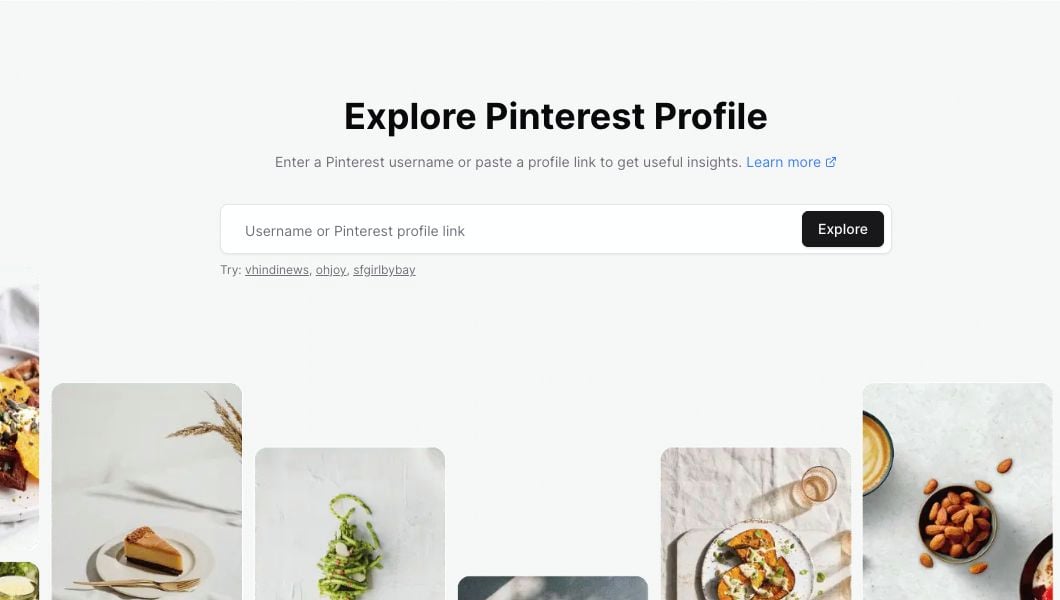
Use Profile Explorer when you want to look up a Pinterest account by username or profile link.
You do not need the account owner's private analytics. Profile Explorer works from the public profile and the recent pins Pinsearch can read.
 ## What you can enter
You can search with any of these formats:
* A username: `ohjoy`
* A username with `@`: `@ohjoy`
* A full Pinterest profile URL copied from your browser
If you are unsure, paste the full profile URL. Pinsearch will pull the username from the link when the link is a Pinterest profile.
## Search for a profile
Go to **Profile Explorer**.
Click the search field and enter the profile you want to research.
Click **Explore** to open the profile report.
Pinsearch also shows a few example profiles under the search field. Click one if you want to see how a completed profile report looks before searching for your own competitor.
## If the profile link is not accepted
Profile Explorer is for Pinterest profile pages.
If your input is not accepted, check for these common issues:
* The URL is for a pin, board, search page, or website instead of a profile.
* The username has extra spaces or punctuation.
* The username is too short.
* The pasted text includes words before or after the URL.
Try copying the profile URL again from Pinterest, then paste only that link into Profile Explorer.
## If the profile is not found
Sometimes the search is valid, but the account cannot be found.
## What you can enter
You can search with any of these formats:
* A username: `ohjoy`
* A username with `@`: `@ohjoy`
* A full Pinterest profile URL copied from your browser
If you are unsure, paste the full profile URL. Pinsearch will pull the username from the link when the link is a Pinterest profile.
## Search for a profile
Go to **Profile Explorer**.
Click the search field and enter the profile you want to research.
Click **Explore** to open the profile report.
Pinsearch also shows a few example profiles under the search field. Click one if you want to see how a completed profile report looks before searching for your own competitor.
## If the profile link is not accepted
Profile Explorer is for Pinterest profile pages.
If your input is not accepted, check for these common issues:
* The URL is for a pin, board, search page, or website instead of a profile.
* The username has extra spaces or punctuation.
* The username is too short.
* The pasted text includes words before or after the URL.
Try copying the profile URL again from Pinterest, then paste only that link into Profile Explorer.
## If the profile is not found
Sometimes the search is valid, but the account cannot be found.
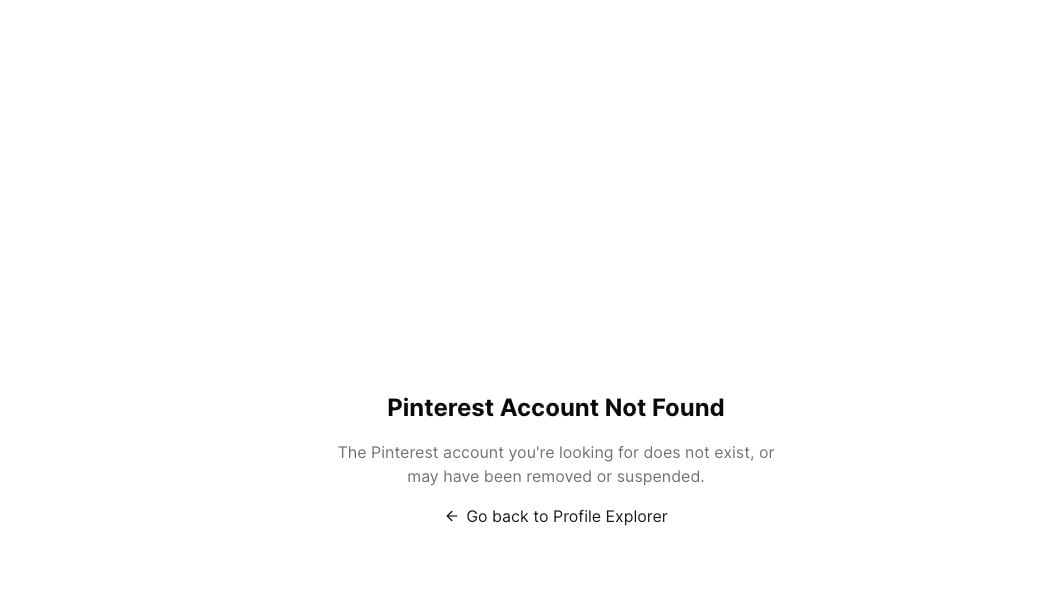 This can happen when:
* The username is misspelled.
* The profile was removed or suspended.
* The profile changed usernames.
* The profile is not available to read right now.
Click **Go back to Profile Explorer**, check the username, and try again.
## What opens after a successful search
When the profile loads, Pinsearch shows:
* The profile header and high-level metrics.
* Recent activity and engagement cards.
* Recent boards, topics, and colors.
* Top performing recent pins.
* The **Add to Project** button for saving the profile.
## Related guides
* [Profile Explorer](/pinsearch-product-guides/profile-explorer/profile-explorer)
* [Analyze recent pin performance](/pinsearch-product-guides/profile-explorer/analyze-recent-pin-performance)
* [Understand profile header metrics](/pinsearch-product-guides/profile-explorer/understand-profile-header-metrics)
* [Why recent pins may not load in Profile Explorer](/pinsearch-product-guides/profile-explorer/recent-pins-not-loading)
This can happen when:
* The username is misspelled.
* The profile was removed or suspended.
* The profile changed usernames.
* The profile is not available to read right now.
Click **Go back to Profile Explorer**, check the username, and try again.
## What opens after a successful search
When the profile loads, Pinsearch shows:
* The profile header and high-level metrics.
* Recent activity and engagement cards.
* Recent boards, topics, and colors.
* Top performing recent pins.
* The **Add to Project** button for saving the profile.
## Related guides
* [Profile Explorer](/pinsearch-product-guides/profile-explorer/profile-explorer)
* [Analyze recent pin performance](/pinsearch-product-guides/profile-explorer/analyze-recent-pin-performance)
* [Understand profile header metrics](/pinsearch-product-guides/profile-explorer/understand-profile-header-metrics)
* [Why recent pins may not load in Profile Explorer](/pinsearch-product-guides/profile-explorer/recent-pins-not-loading)